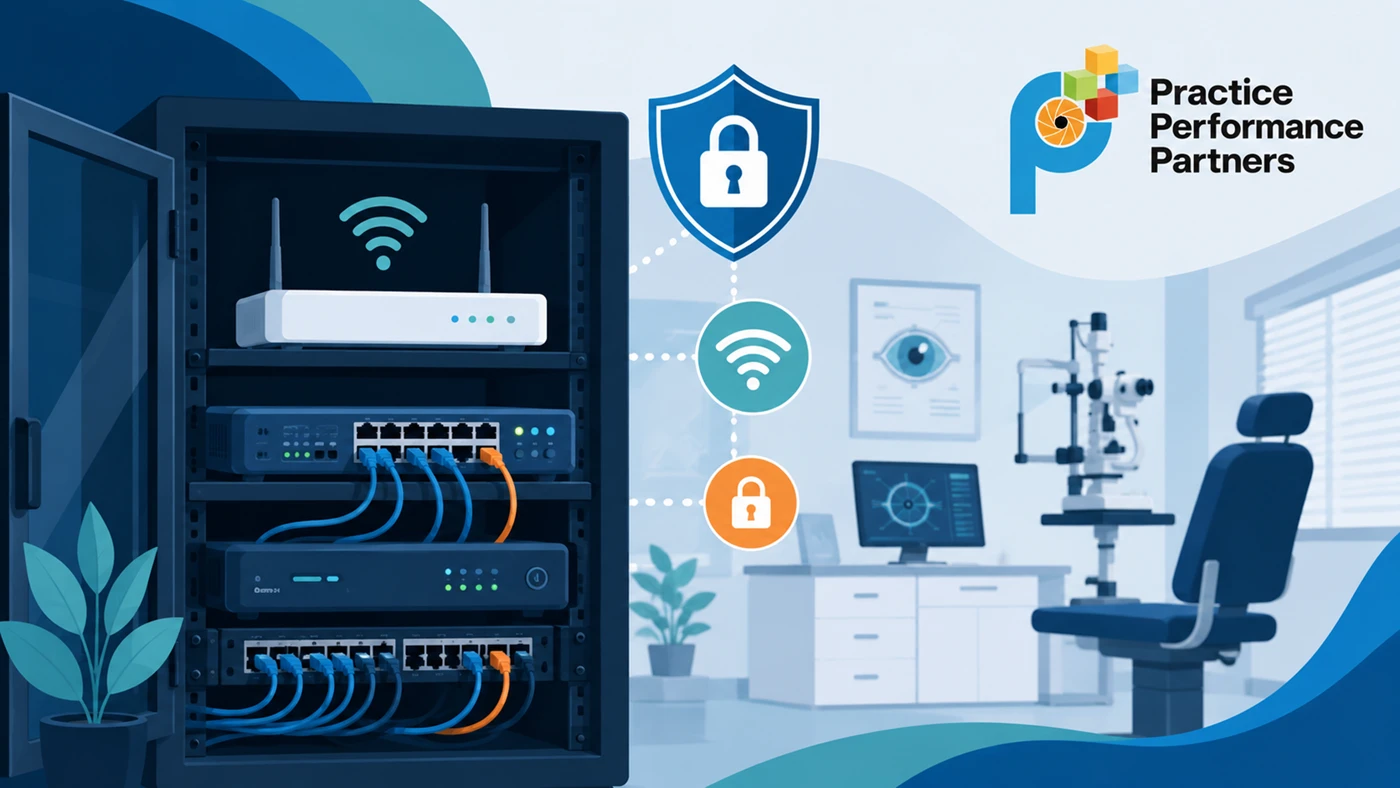
When setting up a network for your practice, it’s common for some internet providers to offer an all-in-one device. These units combine a modem (which connects you to the internet) and a router (which connects your devices to each other and to the internet). While convenient, these all-in-one routers are designed for home use, not for running a modern healthcare business.
Let’s break down why that matters.
What a Router Actually Does (In Simple Terms)
Think of your router as the traffic controller for your office. It manages how:
- Your exam equipment communicates
- Your EHR system sends and receives data
- Your staff devices connect
- Your patients connect to a separate guest Wi-Fi
- Your internet traffic stays secure
In a healthcare setting, this is critical—because not all traffic should be treated the same.
The Problem With ISP-Provided Routers
The router provided by your internet company is designed to be simple and easy, but that simplicity comes at a cost. Here are the biggest limitations:
1. Limited Security Protection
Basic routers have minimal built-in security.
They often lack:
- Advanced firewall controls
- Protection against suspicious activity
- Tools to detect or prevent intrusions
For a healthcare practice handling patient data, this creates unnecessary risk.
2. No Real Network Separation
In a modern optometry practice, your network includes:
- Exam lanes and diagnostic equipment
- EHR and billing systems
- Staff laptops and tablets
- Guest Wi-Fi for patients
A basic router cannot properly separate these systems.
That means:
- Guest traffic could impact your clinical systems
- Malware from one device could spread to others
- Sensitive systems aren’t properly isolated
This is a major issue for both performance and security.
3. Very Limited Control
With a standard internet service provider router, you generally cannot:
- Control which devices can access certain systems
- Block risky or suspicious internet activity
- Create rules to protect critical systems
- Filter outbound traffic in a meaningful way
In short, you don’t control your network. The device does.
4. No Visibility Into Problems
If something goes wrong, basic routers provide little to no insight.
You won’t be able to:
- See unusual traffic patterns
- Identify potential threats
- Receive alerts about possible breaches
For most practices, this means problems go unnoticed until they affect operations.
5. Updates Are Out of Your Control
With an ISP-managed router:
- Your provider controls firmware updates
- There’s no testing or validation process
- You can’t delay or manage changes
This can introduce instability or security risks without your knowledge.
So What’s the Alternative?
A commercial-grade (business-class) router is designed specifically for environments like healthcare practices.
It allows your IT team to:
- Properly separate your network (clinical, admin, guest)
- Apply advanced security protections
- Monitor activity in real time
- Control and protect how data flows
- Respond quickly to issues
Even if you keep the Comcast device, it can be configured to act as just a modem, while a business-grade router handles everything else.
Why This Matters for Your Practice
As an optometry practice owner, your focus is patient care, not IT.
But your network directly impacts:
- Patient data security
- System reliability
- Equipment performance
- HIPAA compliance
- Overall workflow efficiency
A basic router may work for a home, but it simply isn’t built for the demands of a healthcare business.
Bottom Line
Using a consumer-grade router in your practice is like using consumer-grade equipment in your exam lane; it may function, but it’s not designed for the job.
A business-class router gives you:
- Better protection
- Better performance
- Better control
- Peace of mind